Searching for a Pantone color finder usually means one specific thing: you have a Pantone number, a printed swatch, or a brand guideline, and you need its closest hex, RGB, or CMYK equivalent for use on a screen. That’s a narrower problem than most people expect. Pantone Matching System (PMS) colors are proprietary spot inks, not digital values, so no web tool, ours included, can officially output a PMS number; only a licensed Pantone guide can do that. What a genuinely useful color theory calculator can do is get you the nearest reliable digital equivalent in seconds, and show you exactly where that equivalent will fall short.
PMS, Spot Color, and Digital Color: Why They Aren’t the Same System
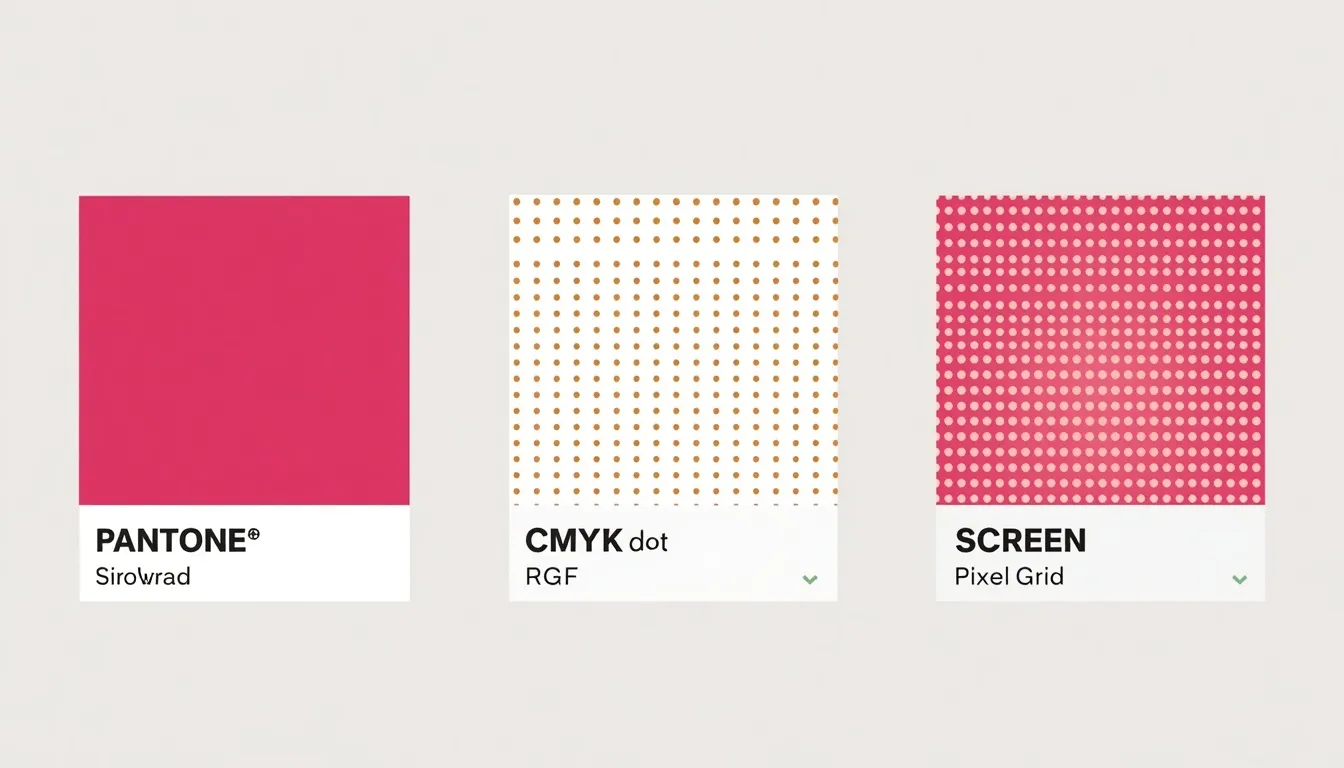
Three separate color systems get conflated under “Pantone color finder,” and understanding the difference is what keeps a converted color from looking wrong later:
- Spot Color (PMS), a single, pre-mixed ink formula assigned a unique Pantone number, printed in one pass rather than built from other colors.
- Process Color (CMYK), four inks (cyan, magenta, yellow, black) printed as tiny overlapping dots that simulate a color rather than reproducing it directly.
- Digital Color (RGB / Hex), emitted light values used by screens, with a gamut that overlaps CMYK and spot ink only partially.
| System | What It Is | Where It’s Used | Exact PMS Match? |
| Spot Color (PMS ink) | Pre-mixed physical ink, one formula per number | Offset & screen printing | Yes, by definition |
| CMYK (Process) | 4-ink halftone dots simulate the color | Digital & offset printing | No, approximate only |
| RGB / HEX | Emitted light values | Screens, web, UI | No, approximate only |
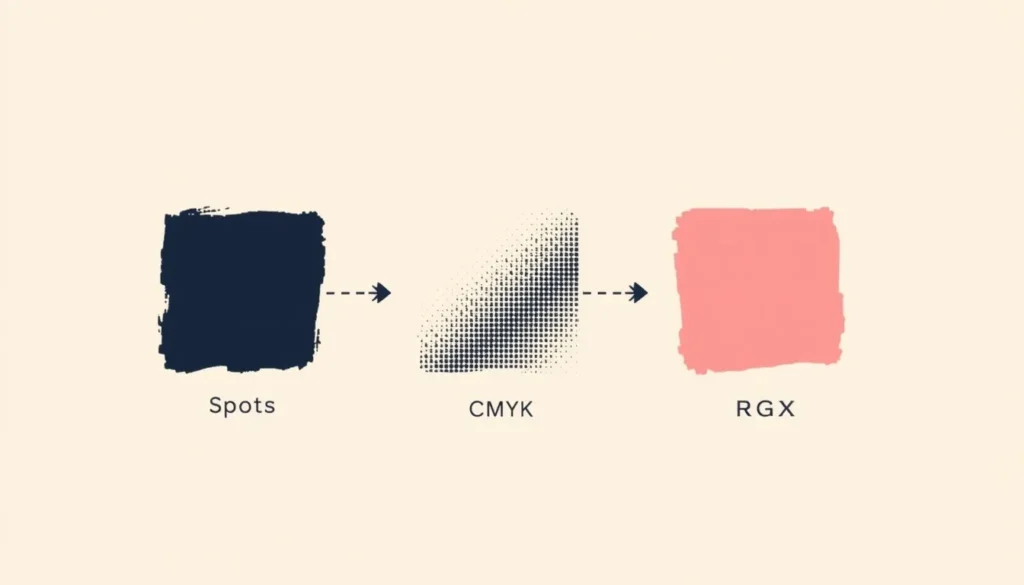
Because these three systems encode color in fundamentally different ways, physical pigment, layered ink dots, and emitted light, converting between them always involves some approximation. For the full technical breakdown of how CMYK and RGB diverge, see our guide on the difference between RGB and CMYK.
How to Find the Closest Digital Equivalent to Any Pantone Color
If you already have a PMS number, getting a reliable hex code takes four steps:
- Locate the PMS number on your swatch book, brand guideline, or packaging file.
- Look up its published CMYK and RGB breakdown, Pantone’s official bridge guides list a suggested conversion for every spot color.
- Enter those RGB or CMYK values into a color converter to generate the matching hex code for web and UI use.
- Save the resulting hex value as your brand’s official digital reference so every designer on the team uses the same code instead of re-approximating it each time.
Matching a Pantone Color From a Swatch Photo or Existing Design
Without access to a swatch book, working only from a photographed fabric sample, a painted wall, or existing packaging, you need a different starting point.
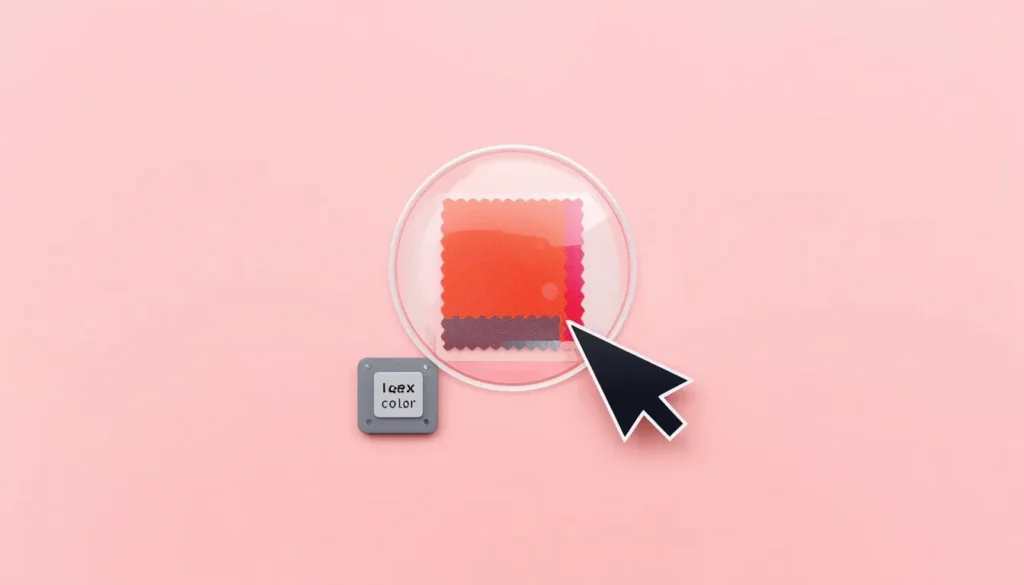
Upload the image and sample a color directly from the image to pull its exact hex and RGB values from any pixel. Treat this as a working estimate rather than a certified match: camera white balance and ambient lighting both shift the captured color, so for print-critical work, packaging, textiles, signage, always confirm against a physical swatch under consistent lighting before finalizing.
Why No On-Screen Match Will Be 100% Exact
Even a carefully converted hex code will never look identical to the physical Pantone ink, for three compounding reasons:
- Monitor calibration varies from device to device, so the same hex value renders slightly differently on every screen.
- The standard web color gamut (sRGB) can’t reproduce certain vivid Pantone spot inks, especially fluorescents and metallics.
- Paper stock and coating change how identical ink values appear, the same CMYK build looks different on matte versus gloss stock.
Sharing this context with clients or stakeholders up front prevents disputes later, when a color approved on a laptop screen doesn’t match the final printed piece.
Verifying Your Converted Color for Brand & Accessibility Consistency
Once you have a stable hex value for your brand’s Pantone color, confirm it still works functionally before it ships in a UI. A color that reads correctly on a swatch can still fail as body text or a button background if it doesn’t meet WCAG contrast thresholds. Run the new hex value through a free color contrast checker against your background and text colors to confirm it’s accessible before it goes into production.
Quick Reference: Find a Pantone Match in 4 Steps
- Identify the PMS number, or sample the color directly from a photo if no swatch book is available.
- Pull the published RGB/CMYK breakdown, or the sampled pixel values, as your starting data.
- Convert those values into a single, stable hex code for digital use.
- Check the result for WCAG contrast before applying it to text, buttons, or UI elements.
Frequently Asked Questions
Can a website tool give me an exact Pantone number?
No. Pantone numbers belong to the licensed Pantone Matching System, and only an official swatch book or licensed software can confirm an exact PMS number, a web-based finder can only return the closest hex, RGB, or CMYK approximation.
What is the difference between a Pantone color and a CMYK color?
A Pantone color is a single pre-mixed spot ink printed in one pass, while a CMYK color is simulated using layered halftone dots of four inks, which makes CMYK an approximation rather than an exact reproduction of the spot ink.
How do I convert a Pantone color to a hex code?
Look up the RGB or CMYK breakdown published in an official Pantone bridge guide for that number, then run those values through a color converter to generate the matching hex code for web and UI use.
Why does my Pantone color look different on screen than in print?
Screens emit RGB light while print reflects light off ink and paper, and the two systems cover different color gamuts, so identical values can render as visibly different colors depending on monitor calibration and paper coating.
Can I find a Pantone match from a photo?
Yes, an image color picker can sample a pixel from a photographed swatch and return its hex and RGB values, but lighting and white balance can skew the result, so treat it as a starting estimate rather than a certified match.
Do I need the official Pantone Matching System for web design?
Not for digital-only work. Web and UI design run on RGB and hex values, so a reliable digital equivalent of your brand’s Pantone color is enough; the official PMS swatch book only becomes essential once the design moves to spot-color printing.
The Bottom Line
A trustworthy Pantone color finder doesn’t pretend to replace the licensed PMS swatch book, it solves the problem most people actually have, which is getting a stable, accurate digital equivalent for web, UI, and brand-consistency work. Between the conversion math, gamut limitations, and accessibility rules involved, doing this by hand is slow and easy to get wrong. A dependable color theory calculator handles the conversion and the verification in the same place, so your brand color looks the same everywhere it’s used online.